Exposure
iOS pro video, shutter priority, custom LUTs
Spencer's Camera
A pro iOS camera app for iPhone video with shutter angle control, Apple Log, custom LUTs, remote camera workflows, and production controls built by a cinematographer.
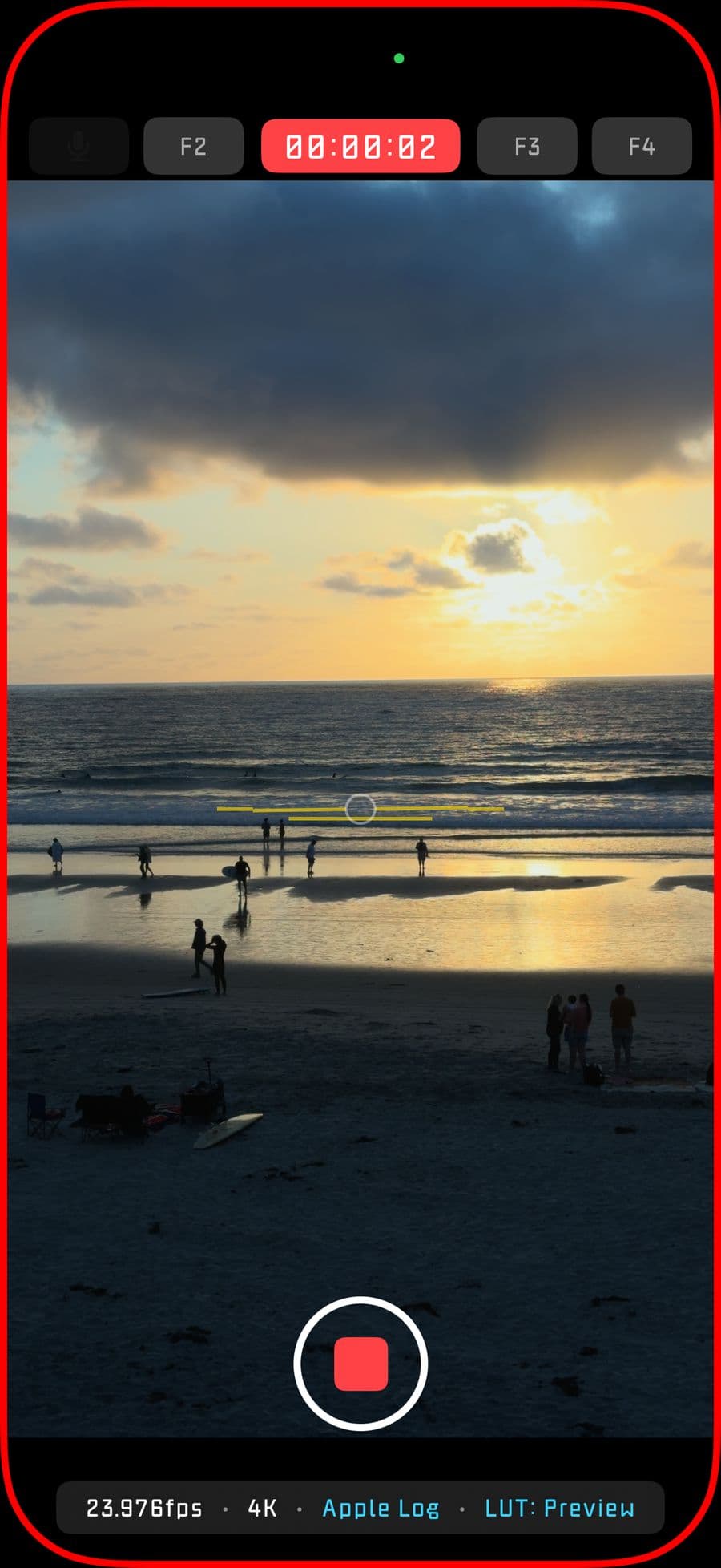
Why it exists
Manual control without turning the shoot into a settings hunt.
Spencer's Camera keeps the core shooting surface fast while putting serious iOS capture, monitoring, color, audio, and remote-control tools close enough to use during real production work.
Formats
Built for modern iPhone recording
Record H.264, HEVC 8-bit or 10-bit, Dolby Vision, HLG HDR, Apple Log, Apple Log 2, ProRes RAW, and ProRes RAW HQ where the device supports it.Color
Preview LUTs live or bake them later
Load custom LUTs, monitor a graded image while recording, export with optional LUT baking, and keep Apple Log workflows ready for color grading.Control
Solo-operator tools for real shoots
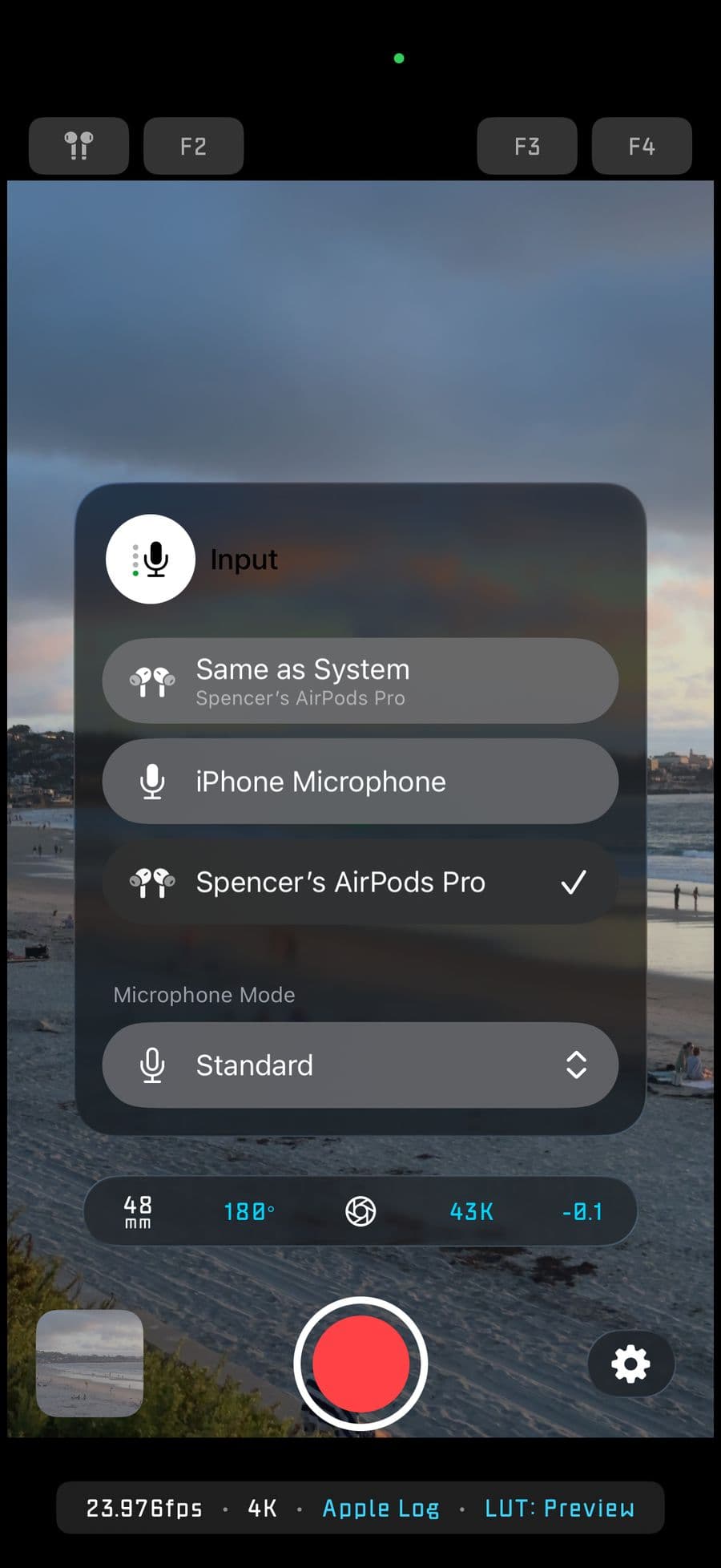
Use Wi-Fi peer-to-peer remote camera control, Apple Watch controls, Camera Control button support, AirPods recording controls, external monitors, and external storage.From Spencer
A camera app with a name behind it.
My background is in the film industry as a Digital Imaging Technician, where technology and storytelling meet every day. Spencer's Camera came from that same place: wanting an iOS video camera that feels fast on set, serious about the image, and still personal.
The app took months of nights after work to turn what was in my head into something real. Spencer's Camera started as a working title, but I kept the name because I wanted the accountability. I hope it helps you get better at your craft, capture what matters, and tell your story.
Made by Spencer.
Manual and shutter priority
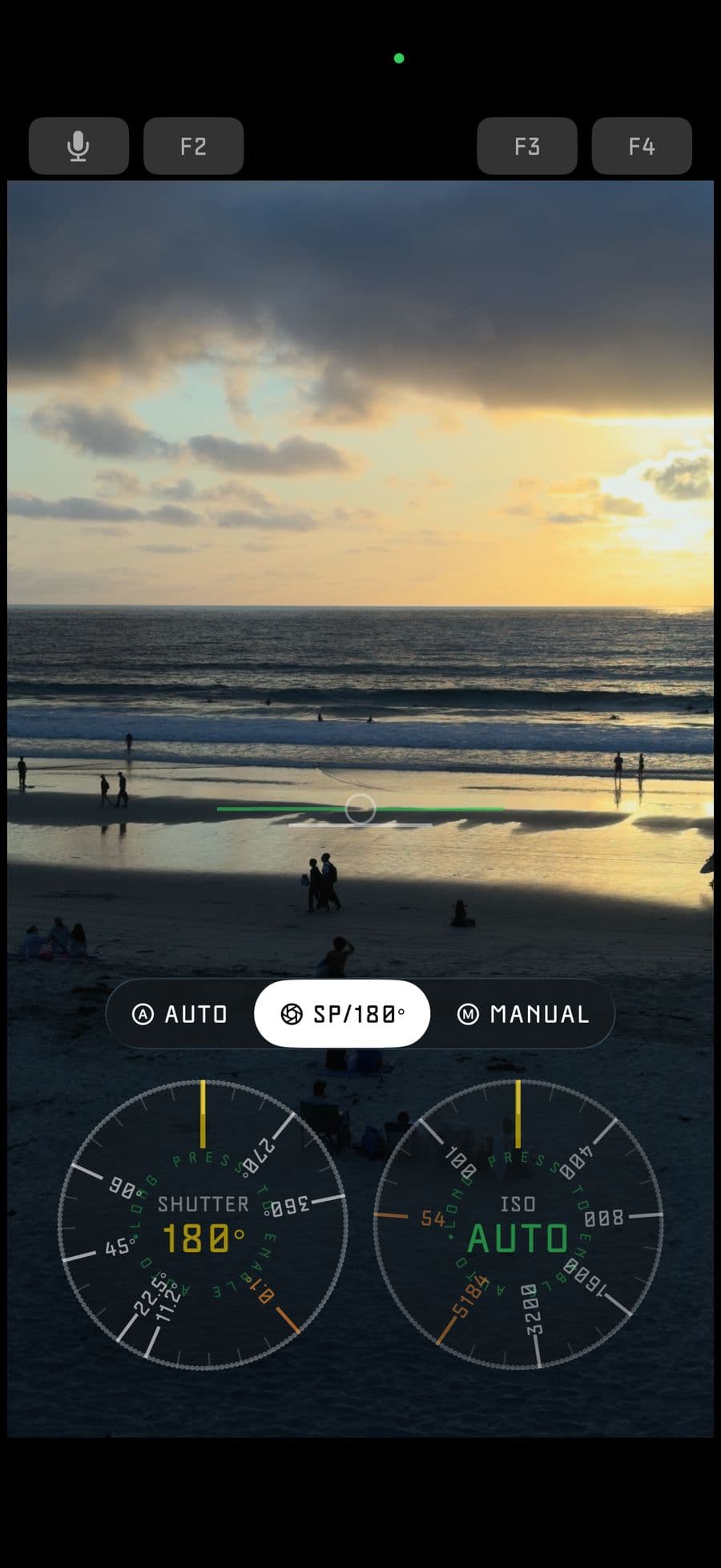
Choose the way you expose.
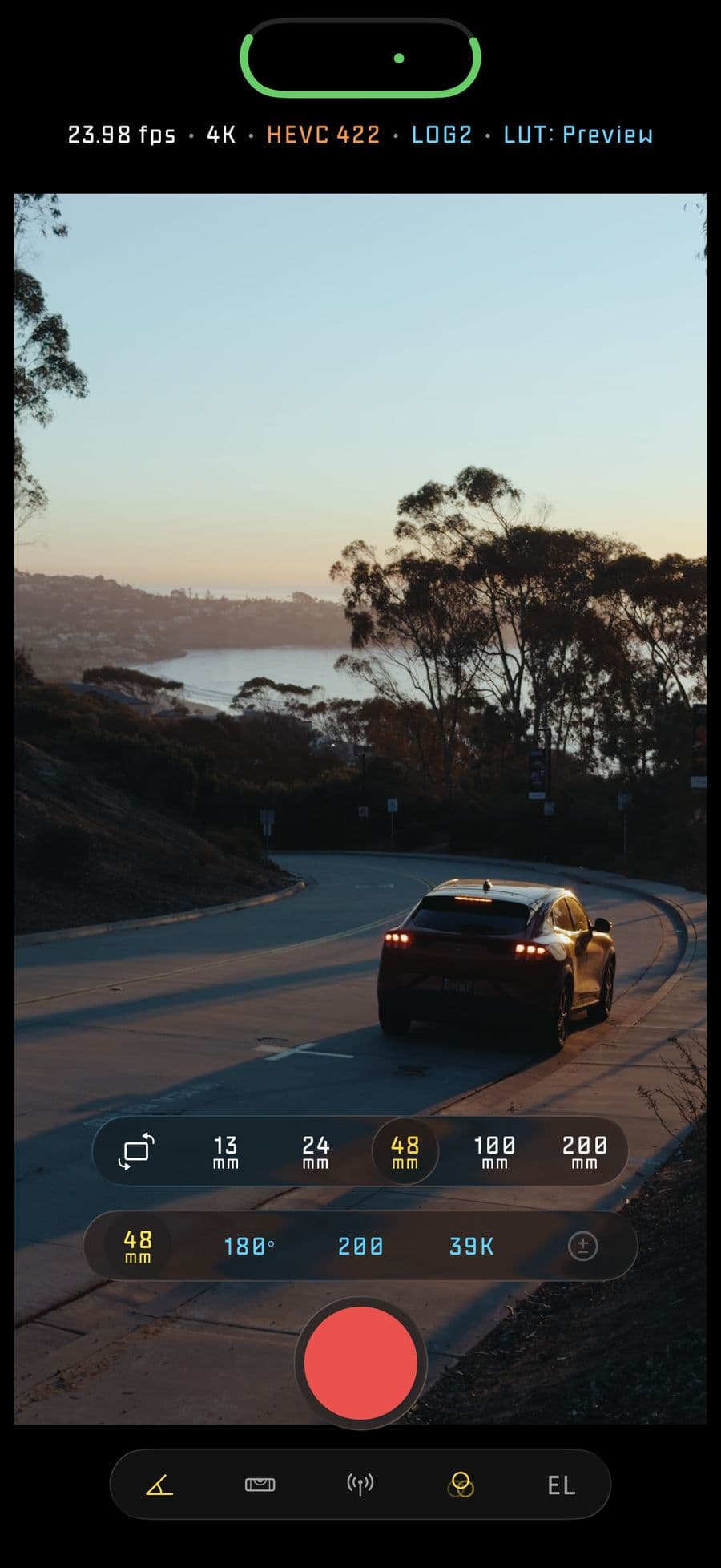
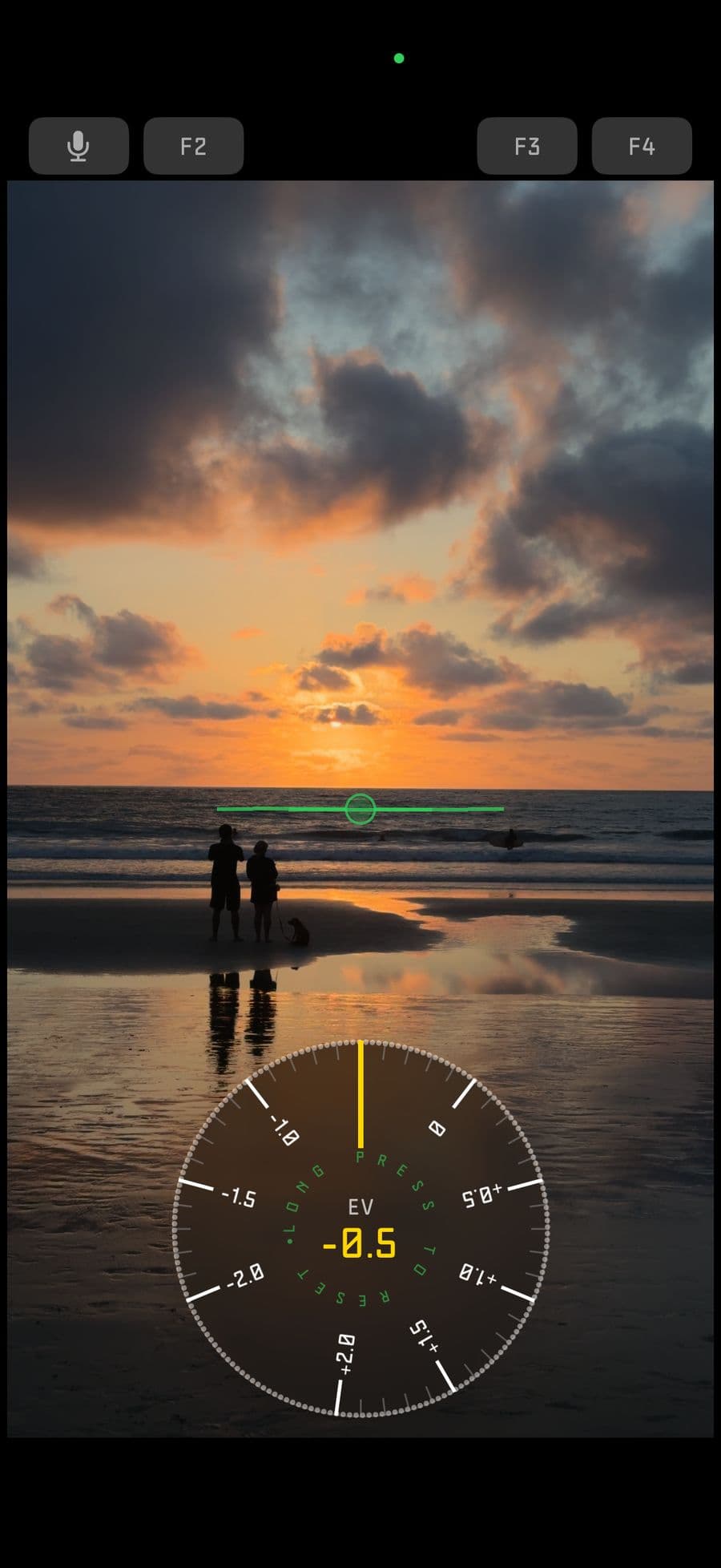
Use Shutter Priority to keep motion cadence consistent while ISO adapts, or move into full manual for independent shutter speed and ISO control. EV bias, white balance, focus, and lock controls stay available when precision matters.
Workflow
Designed for the phone you actually shoot with.
Capture
24 to 240 fps, 4K, Open Gate, H.264, HEVC, Dolby Vision, HLG HDR, Apple Log, Apple Log 2, ProRes RAW, and ProRes RAW HQ on supported devices.
Monitor
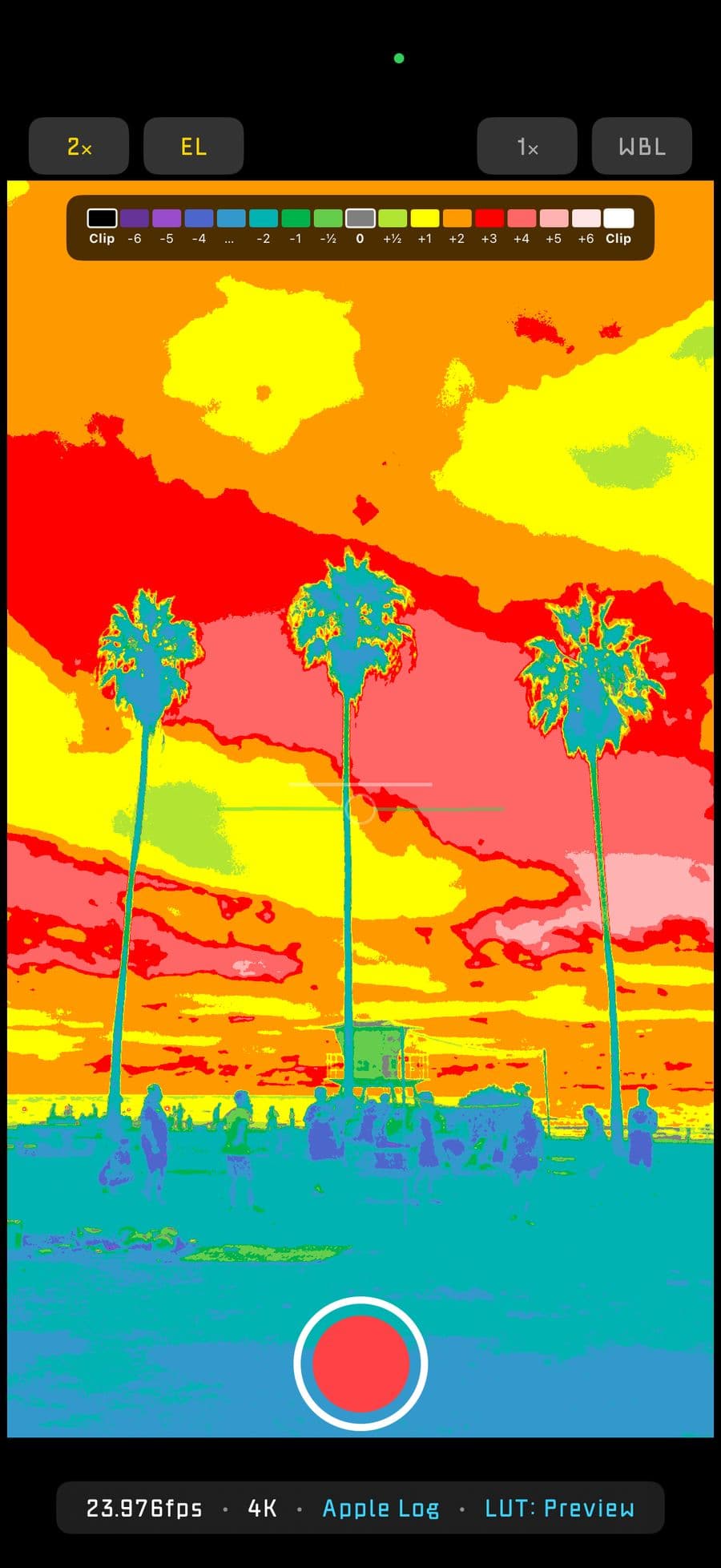
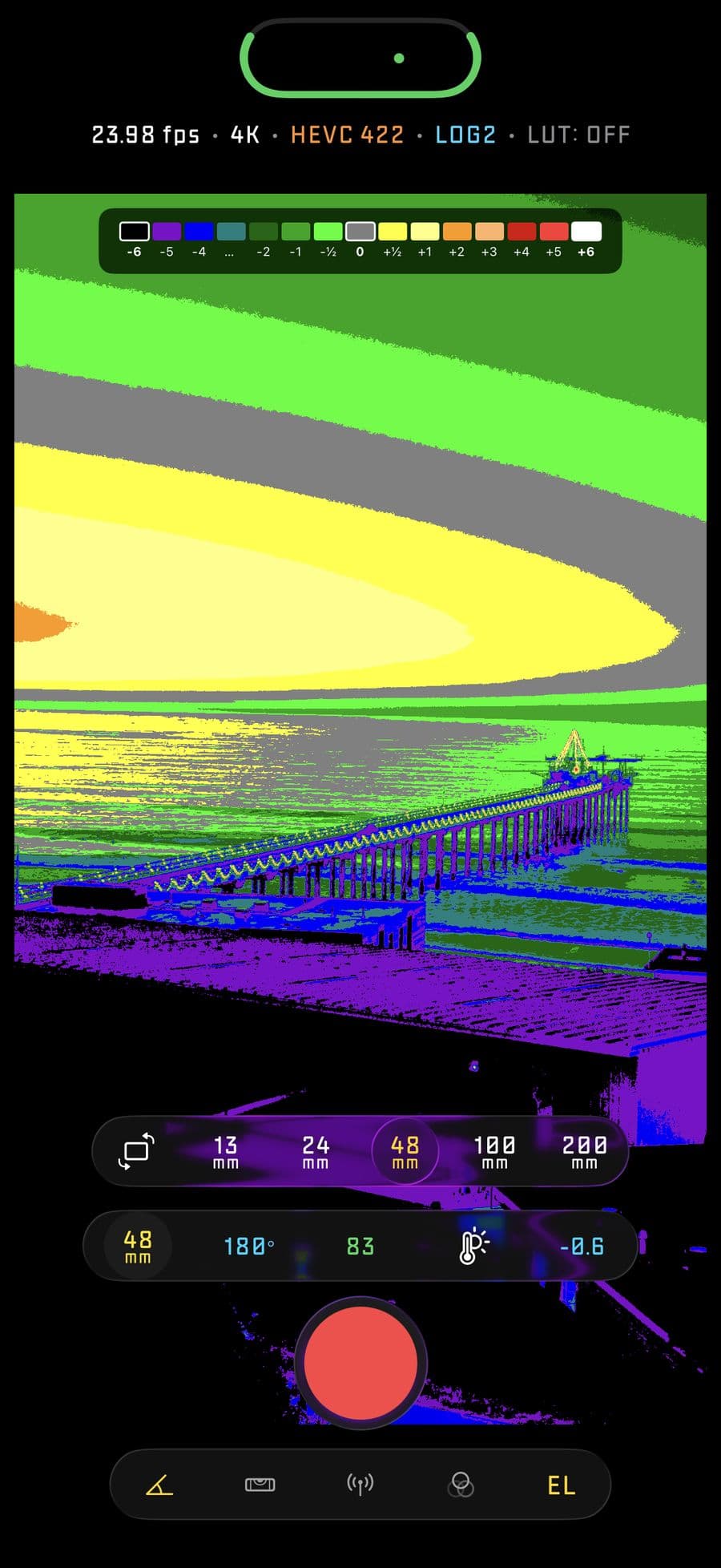
LUT preview, EL Zone, audio metering, timecode, recording indicators, aspect guides, grid, center markers, level feedback, and external monitor support.
Control
Camera Control button, Apple Watch, AirPods stem controls, custom function buttons, lens presets, remote camera, and external storage support.
FAQ
Short answers before you download.
Is Spencer's Camera free?
The app is free to download. Full access requires an in-app purchase, with one-time purchase and subscription options available on the App Store.
Which devices can run the app?
Spencer's Camera requires iOS 18 or later on iPhone. The Apple Watch companion app requires watchOS 10.6 or later.
Does every iPhone support ProRes RAW, Apple Log 2, and spatial audio?
No. Advanced capture options depend on device hardware and iOS version. The app filters many controls based on what the current device can actually record.

Spencer's Camera
Built personally by Spencer for people who care about the image.